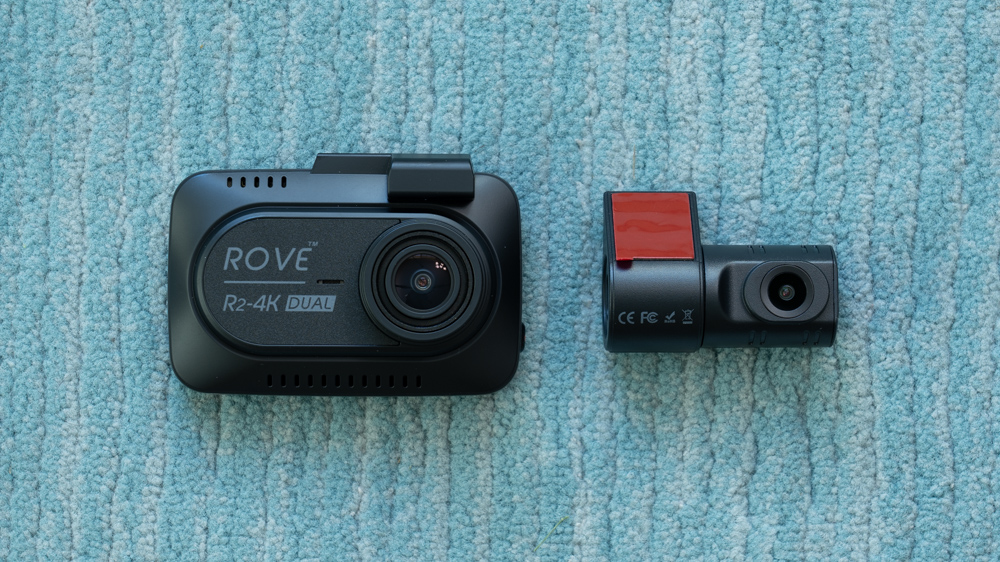
Rove makes several popular fake 4K dashcams including the R2-4K and R2-4K Pro. They have recently released a 2 channel model for both front and rear recording called the R2-4K Dual.
This is also a fake 4K dashcam, but the front sensor is upgraded from Starvis 1 to Starvis 2. More notably, they’re also adding a rear 1080p camera.
Let’s take a look at the R2-4K Dual’s key features, its improvements over the single channel versions, as well as how it stacks up to the competition.
Full Disclosure: Rove supplied me with these dashcams for test and review. I’m not sponsored by Rove or any other manufacturer. I also have no restrictions on what I can say, good or bad. These are my actual thoughts. If you choose to buy a dashcam, the purchase links in this article are affiliate links and I do make a percentage of the sale at no cost to you which lets me continue doing tests and reviews like this.
Valentine has released a welcome new update for the Valentine 1 Gen2. It’s the September 2024 Upgrade, firmware 4.1035.
There’s several new features including enhanced false alert filtering, a silent startup option, a stealthier display option, and a few other bonus features.
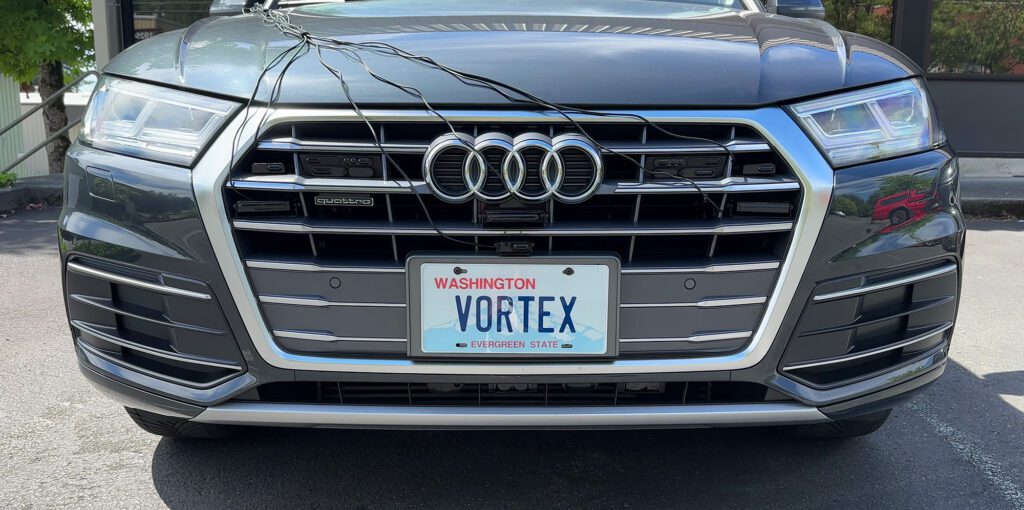
Time for the latest round of testing and comparing all the latest laser jammers! I recently finished a big update on my Audi Q5, upgrading to all the latest custom installed radar detectors and laser jammers. Starting off with laser, I wanted to see how all the top systems compare when installed on the same vehicle to create a test that’s as close to apples-to-apples as I can reasonably do.
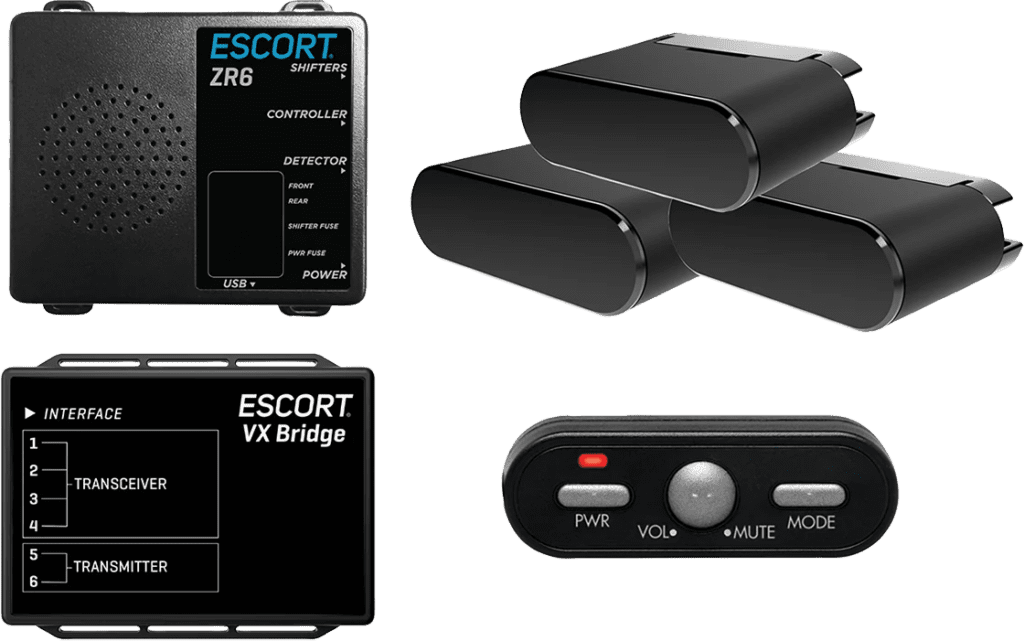
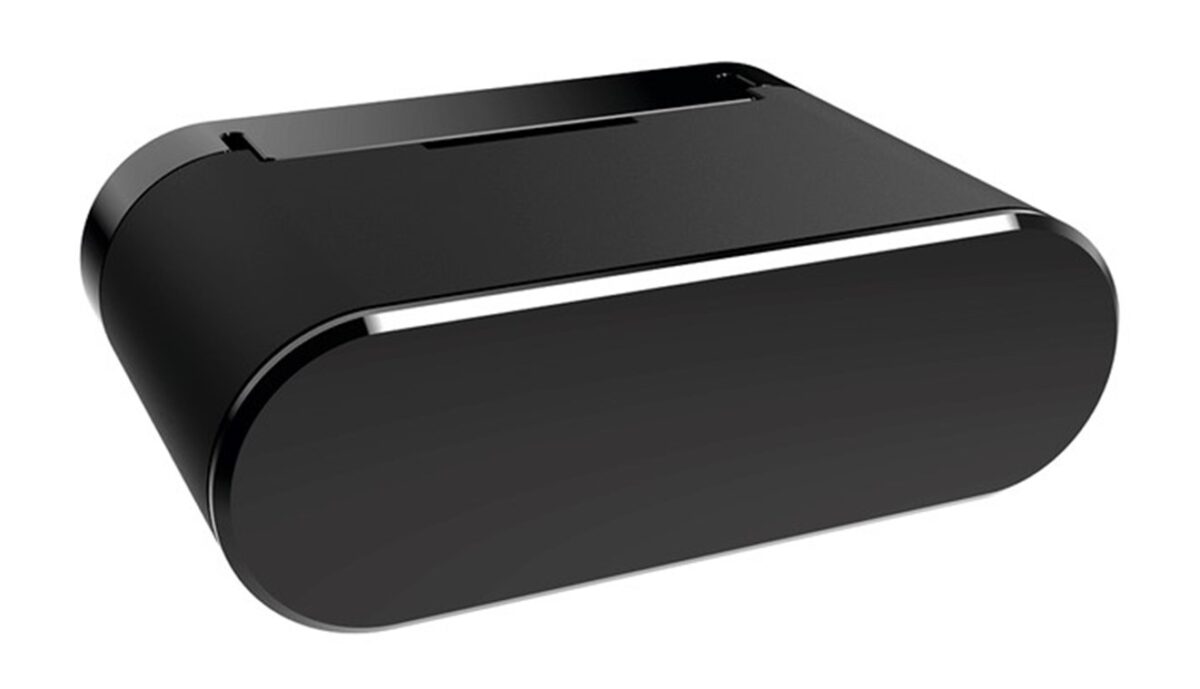
Blinder has an updated jammer out now called the HP-905 Ultra. It’s essentially the same jammer as what’s used in the Escort Redline Ci 360c (Blinder supplies Escort’s jammers) so you get the same performance and the smaller heads which is nice, but the HP-905 Ultras are standalone, wireless, and use your phone running Blinder’s app as the interface.
They’re not officially for sale in the US at this time, but one RDF member ordered a set on eBay recently. I had a chance to chat with Blinder a bit recently and I asked them a bunch of questions about their new system. Here’s some of the key takeaways from our conversation and my thoughts about this new system.
Full Disclosure: The links in this article are affiliate links. I earn a percentage of each sale at no cost to you. This allows me to continue doing tests, tutorials, and reviews for you.
Uniden has released firmware 1.46 for the R7 which brings a number of nice changes. For example there’s a third K Block for Mazda CX-5’s (yay!), 5 new custom K blocks, some lockout changes, Gatso support, and more. Here’s a look at all the improvements, as well as my thoughts about each change.
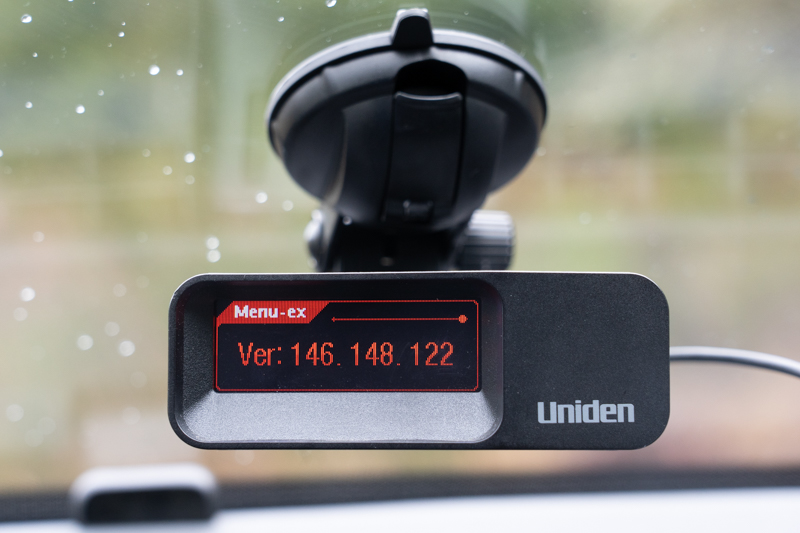
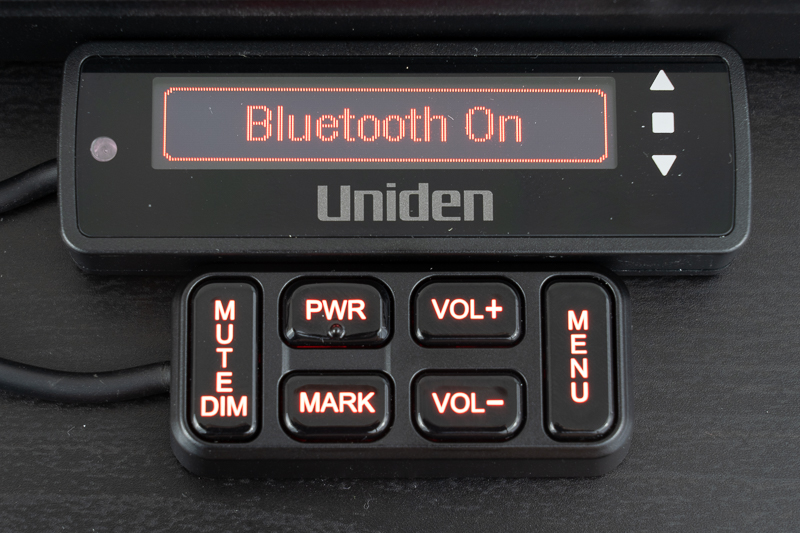
Uniden has released the first public firmware update for the R9, firmware 1.26, and it addresses many of the complaints I shared in my full R9 review. This update primarily adds improvements to the arrow display, adds a bunch of laser improvements, and enables Bluetooth.
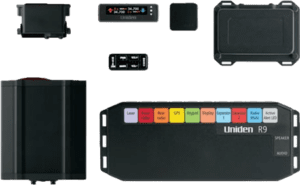
Let’s take a look at how to use your Uniden R9w, what all the buttons and menu options do, and how to configure your R9w for optimal performance and minimal false alerts. (Last updated March 2026.)
Note: This guide covers both the original Uniden R9 and the newer Uniden R9w. They’re basically the same detector, but the R9 has been discontinued and replaced by the R9w which simply adds 2.4 GHz WiFi for OTA firmware updates and GPS database updates.
This guide is current as of R9 firmware 1.38 and R9w firmware 1.21. You can download the latest firmware from Uniden’s website. Then copy the files to a USB drive and plug the drive into the R9/R9w to update it. As Uniden continues to update and improve the detectors and as features are added or changed, this guide will be updated accordingly. You can also reference the R9 manual, R9w manual, and install guide to learn more. This guide will explain things even further.

 Blinder has an updated jammer out now called the
  I had a chance to chat with Blinder a bit recently and I asked them a bunch of questions about their new system. Here’s some of the key takeaways from our conversation and my thoughts about this new system.